


Word Trivia - Word Quiz Games
4.82.77K Reviews
App Specs
- Version
- 4.0
- Updated On
- License
- Free
- Downloads
- 10,000,000+
- Developer
- Magic Word Games
- Categories
- Word
- Platform
- Android, iOS
Screenshots
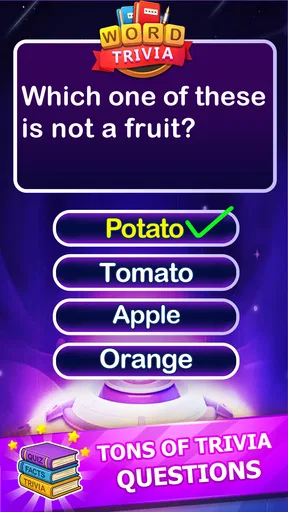
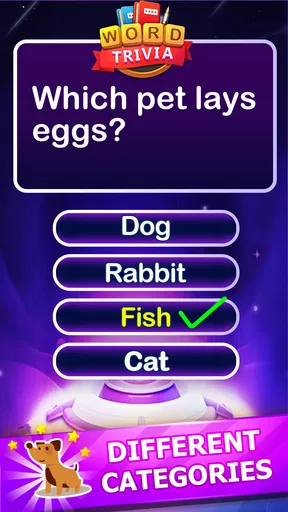
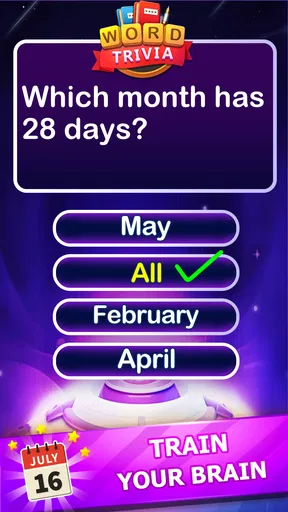
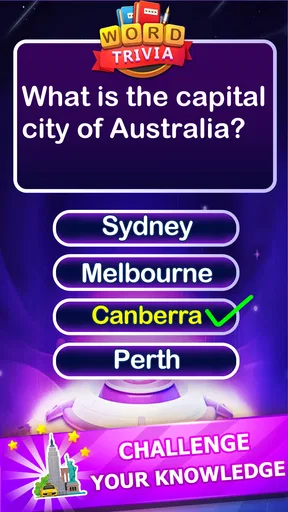
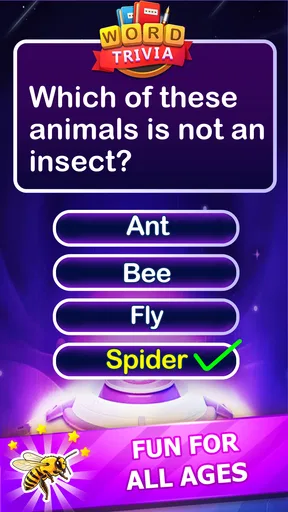
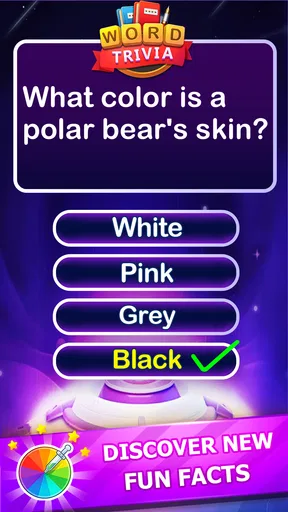
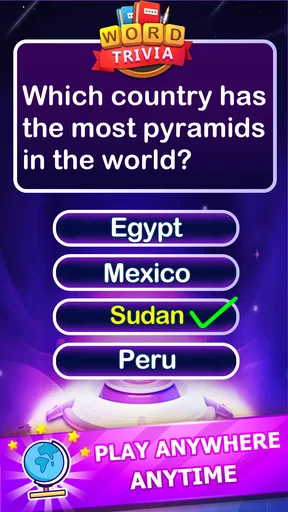
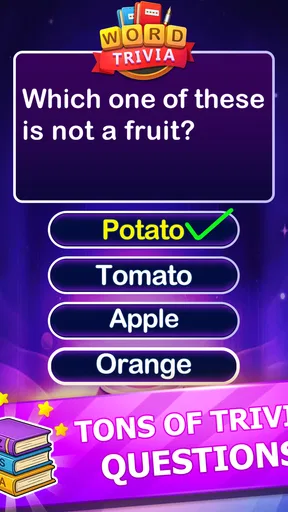
 Analysis by AppCompare
I approach Word Trivia - Word Quiz Games as a quick word-game break rather than a demanding daily commitment. Its basic appeal is easy to understand: answer word-focused questions, exercise recall, and pick it up whenever you have a spare moment. That makes it a natural fit for a short wait or a quiet pause, though the experience is best judged as casual entertainment, not as a structured course in vocabulary or general knowledge.
It is a free word game from Magic Word Games, and its Everyone age rating makes it suitable for a broad audience. The game has a 4.8 average from around 51,000 ratings, with over 10 million installs, so it has clearly found a large audience. Those figures are useful context, but they do not guarantee that every puzzle style or the pace will suit you personally.
How the game feels in everyday use
I find the game easiest to judge in small, ordinary moments: a brief pause can be enough to try a question, while a difficult prompt gives me a reason to slow down instead of tapping blindly. That quick-start appeal matters more than any promise of a fixed pace, and it sets up a closer look at how the experience changes when I keep playing.
Quick sessions and speed expectations
The format is well suited to short sessions: a word question gives you a clear task without asking you to settle in for a long stretch. I would reach for it while waiting for a ride or taking a break between chores, when a small mental challenge feels more satisfying than scrolling. The appeal is the low commitment, not a promise that every round will be over in a particular number of seconds.
When a puzzle comes easily, the question-and-answer rhythm can feel brisk. A tougher clue changes that pace, because you may need to pause and think rather than tap through on instinct. I see that as part of the point, but it means this is not the best choice if you want a predictable, uninterrupted flow or a game that demands no attention at all.
What happens during longer play
For a longer session, I would treat the different quiz styles as a way to vary the mental task rather than assume every mode feels alike. Word questions can draw on recall and pattern recognition; trivia prompts can ask for broader knowledge. That variety is useful when I want to keep playing after a quick round, but it also means one style may suit me much more than another.
A practical way to keep the challenge enjoyable is to stop when I notice myself guessing randomly. Taking a short break is more useful than tapping at answers without thinking, particularly if a question has stalled me. If you like to compare your results with friends, the social play described in the game may add a reason to return, but the basic attraction remains solving the questions for yourself.
Worth Reading Before You Choose

Baby Panda World Brings Quick Play to Modern Phones, but Its Game Library Feels Busy

ESPN’s Live Game View Makes Following Close Games Easier

QuizzLand Review: A Good Fit for Short Trivia Breaks, Not Every Player

Basketball Stars: Multiplayer Is Fast, but Can It Recover When Matches Go Wrong?

WEBTOON Turns Phone Updates Into a Better Reading Routine

Link to Windows Runs on Shared Habits, Not Social Feeds
Reliability, interface and recovery
The original experience described here felt smooth, with no noticeable lag or crashes during play. That makes a difference in a game built around quick questions: a delay between an answer and the next step would interrupt the rhythm. Still, performance can vary across devices and over time, so I would not treat one smooth experience as a guarantee for every phone.
The straightforward controls are helpful when I open the game for only a few minutes. I do not want to spend a short break hunting through menus just to get to a puzzle. If the game closes unexpectedly or a session is interrupted, I would first reopen it and check what remains available rather than assume progress has been saved or restored in a particular way.
Device fit and practical limits
The current version is 4.0 and requires Android 7.0 or later. That gives Android users a useful compatibility check before downloading, especially if they keep an older phone in service. The game is free to install, with in-app purchases ranging from $0.99 to $9.99 per item, so I would review any purchase prompt before confirming it.
I would also keep expectations sensible about what a word quiz can do for language learning. Playing in another language may give you a reason to recall words, but a quiz alone is not a replacement for lessons, conversation, or reading. Likewise, if you mainly want a crossword with carefully interlocking clues or a deep trivia database, a dedicated app in that format may be a better match.
Who is likely to enjoy it
Word Trivia - Word Quiz Games is most appealing to people who like bite-sized questions and do not mind switching between word recall and general-knowledge prompts. It can also be a friendly option for players who want a casual game they can explain quickly to someone nearby. If you prefer slow, contemplative crossword solving, extensive story progression, or a fully predictable difficulty curve, I would look elsewhere.
One small tip is to use hints as a deliberate nudge rather than an automatic answer button. Trying a couple of possible words first keeps the puzzle engaging, while saving help for a genuine dead end makes it feel more useful. The game’s hints are not unlimited, so treating them as a limited resource can prevent a frustrating streak of guesswork.
Word Trivia has a 4.8 average from around 51,000 ratings, and its broad reach suggests that the simple quiz format works for many players. I would still choose based on the kind of thinking I want: quick word prompts here, a crossword app for linked clues, or a dedicated trivia game when general knowledge is the main attraction. No single format does all three equally well.
Getting Started with Word Trivia
Jumping into Word Trivia - Word Quiz Games is as easy as pie. You don’t need to worry about lengthy sign-ups or tutorials. Once you download the app, you’re greeted with a clean, intuitive interface. Everything is laid out so clearly that even your grandma could start playing without a hitch.
The app greets you with a variety of puzzles right off the bat. The levels are categorized, so you know exactly what you're diving into. Whether you're a word game newbie or a seasoned pro, there’s something for everyone. And the best part? No annoying ads popping up every two seconds—just pure, uninterrupted gaming bliss.
The Gameplay Experience
Now, let’s talk about the gameplay itself. At its core, the game is all about filling in the blanks and guessing the right words. Sounds simple, right? Well, it can get surprisingly tricky, and that’s what makes it so addictive. Each level is like a little puzzle that needs solving, and with each one you complete, you feel a sense of accomplishment.
The app offers a variety of game modes. You can choose from classic word puzzles, timed challenges, or even themed quizzes. The themed quizzes are particularly fun because they test not only your vocabulary but also your general knowledge. Did I mention there are daily challenges too? Yup, every day there’s a new puzzle to keep your brain on its toes.
Features That Keep You Hooked
One of the standout features of Word Trivia - Word Quiz Games is its social aspect. You can connect with friends and challenge them to beat your scores, which adds a competitive edge. There's nothing like a little friendly rivalry to keep you motivated!
The app also supports multiple languages, which is a fantastic touch. Whether you’re learning a new language or just want to test your skills in a different one, the app has got you covered. And for those moments when you’re really stuck, there are hints available to help you out. Use them sparingly though, as they’re not unlimited!
Design and Usability
The developers clearly put a lot of thought into the design of this app. It’s visually pleasing without being overly flashy. The color scheme is easy on the eyes, and the fonts are legible. Navigation is a breeze, with everything accessible in just a few taps. The game runs smoothly without any noticeable lag or crashes, which is a huge plus.
Even if you’re not a tech whiz, you’ll find this app user-friendly. All the controls are intuitive, and the overall layout is logical. It’s a game anyone can pick up and play without feeling overwhelmed.
Performance verdict
For a casual word-and-trivia game, the experience described here is responsive and approachable, with a format that can fit into spare minutes. I would choose it for quick mental breaks and variety, not for deep study or an extensive crossword-style challenge. The key trade-off is simple: its breadth of quiz styles makes it easy to dip into, while players who want one highly focused puzzle format may prefer a specialist alternative.
So, if you’re itching for a new game to keep your mind sharp, give this one a whirl. It’s free to download, so you’ve got nothing to lose—and a lot of brainpower to gain!
Pros
- Engaging and challenging gameplay.
- Variety of word categories.
- Smooth and intuitive interface.
- Daily challenges keep it fresh.
- Supports multiplayer mode.
Cons
- Ads can be intrusive.
- Limited free hints available.
- Requires internet connection.
- Occasional lag on older devices.
- In-app purchases can be pricey.
FAQs for Word Trivia - Word Quiz Games
What is Word Trivia - Word Quiz Games about?
Word Trivia - Word Quiz Games is an engaging app designed to test and enhance your vocabulary through a variety of challenging word quizzes. Players can enjoy different game modes, each offering unique challenges and levels of difficulty. It's perfect for anyone looking to improve their language skills while having fun.
Is Word Trivia suitable for all age groups?
Yes, Word Trivia - Word Quiz Games is designed to be accessible and enjoyable for players of all ages. The app features different levels of difficulty, making it suitable for children, teens, and adults. Parents can enjoy playing with their kids, enhancing learning in an entertaining way.
Does Word Trivia require an internet connection to play?
Word Trivia - Word Quiz Games can be played offline, allowing users to enjoy the game without an internet connection. However, some features, such as leaderboard updates and social sharing, may require online access to provide a full gaming experience.
Are there any in-app purchases in Word Trivia?
Yes, Word Trivia - Word Quiz Games offers in-app purchases for users who wish to enhance their experience. Players can buy hints, remove ads, or unlock additional levels. However, the game is fully playable without spending money, ensuring a fair experience for all users.
How does Word Trivia handle user privacy?
Word Trivia - Word Quiz Games is committed to protecting user privacy. The app collects minimal data necessary for gameplay and adheres to standard privacy practices. Users can review the app's privacy policy for detailed information on data collection and usage before downloading.


